Ten technicians, one plan. Every visit tracked, every completion proved.
Field Operations is for service operators whose business is built on visits — AMC visits, one-off jobs, multi-site contracts, multi-tech deployments. It replaces your WhatsApp dispatch groups, your Excel visit logs, and the phone calls you make to check whether your tech is on site.
Six capabilities that turn visits into auditable records.
Pick a contract, pick a frequency (monthly, quarterly, custom segments), pick your off-days. A year of visits generates in one pass, with duplicate-guard logic so the same site doesn’t get two visits on the same date. Your Sunday-evening scheduling meeting disappears.
Large warehouse fumigations, hospital deep-cleans, bank-branch disinfections — assign up to ten technicians to one visit. Track who was assigned separately from who actually completed it. No WhatsApp group as your system of record.
Every technician’s current location on one map, updated every minute. When a customer calls asking why your tech didn’t show up at 11, you don’t call the tech to find out — you look at the map. “He’s pulling into your parking now” beats “let me check and call you back.”
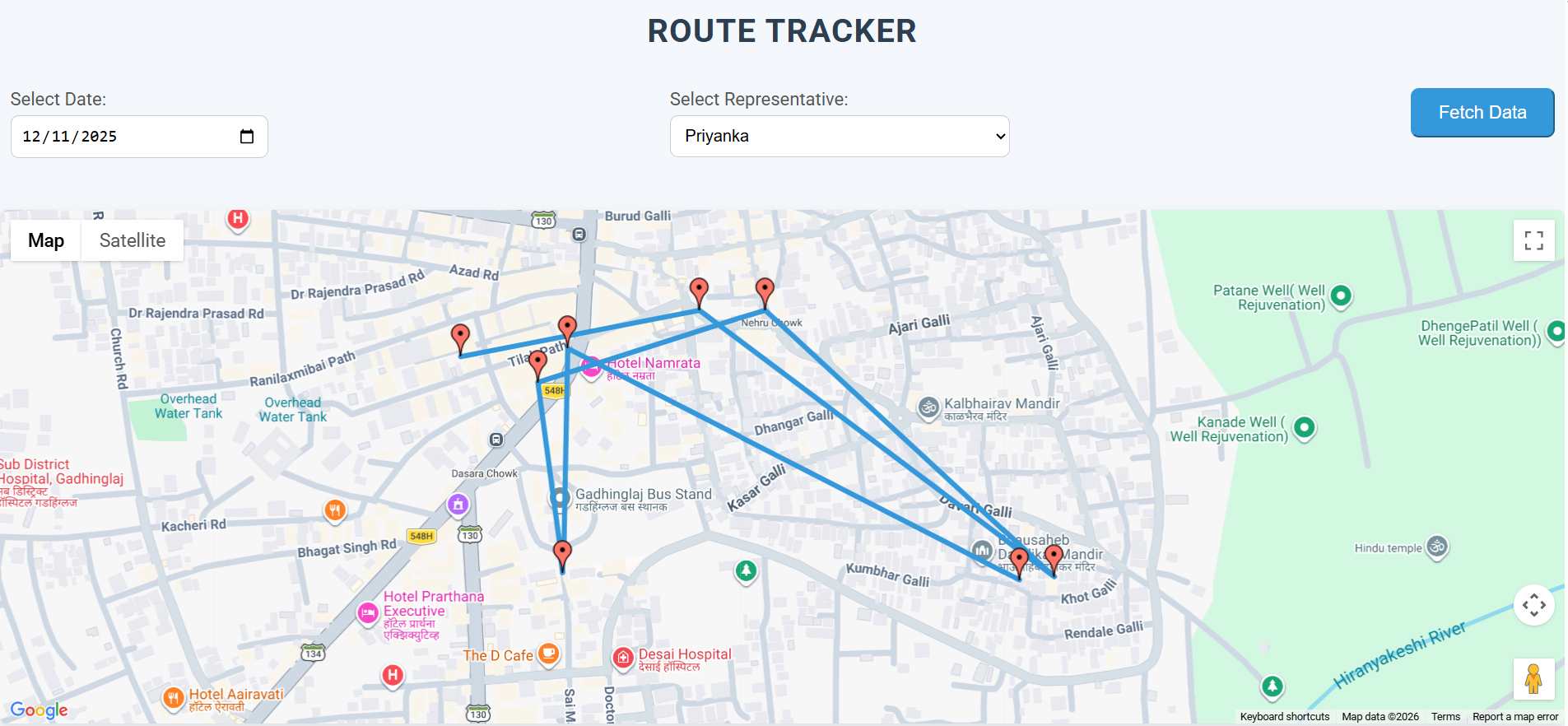
Historical GPS trail with stop durations and distances. When a completion claim looks implausible, you don’t argue — you open the trail. When a customer disputes a visit, you have proof. The trail is deduped on a 5-minute window so mobile battery stays sane.
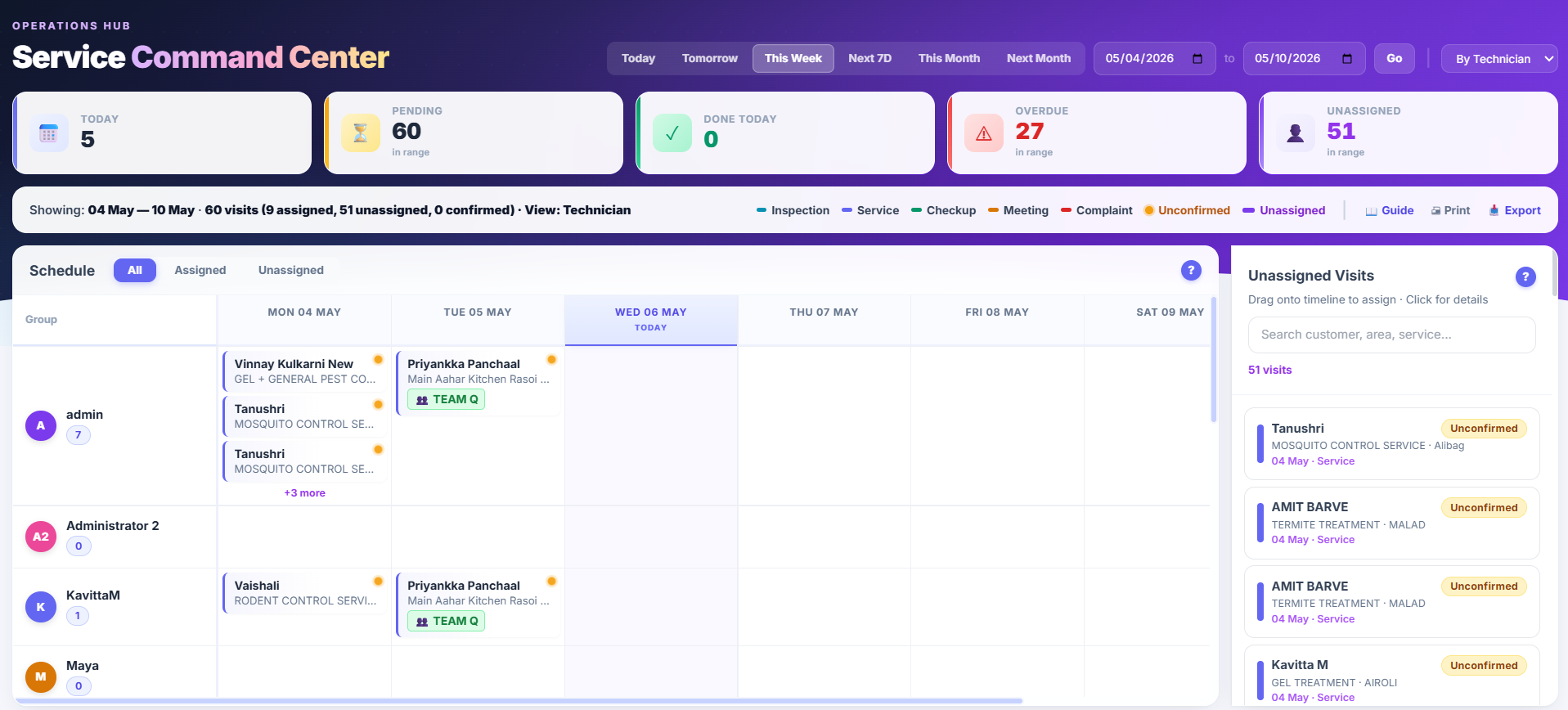
A Confirm Desk queue for back-office staff calling customers to confirm next-day visits — every call logged with who, when, what was said. The Service Command Center shows active, scheduled, overdue, and cancelled visits with real-time filters. Your ops lead stops holding the day in their head.
Branded certificate with your letterhead, the customer details, the service performed, the technician, the chemicals applied with batch numbers. Printable, emailable, WhatsApp-able. Your commercial clients use these for their own ISO and HACCP audits — you stop recreating them in Word.
Name your technician teams (“Team Alpha”, “North Zone Squad”) and register the vehicles they drive. Picking a crew on a visit auto-assigns the team’s lead and members; pre-binding a vehicle to a crew also pre-fills it on dispatch. Inactive crews stay in history for performance reports without cluttering the picker.
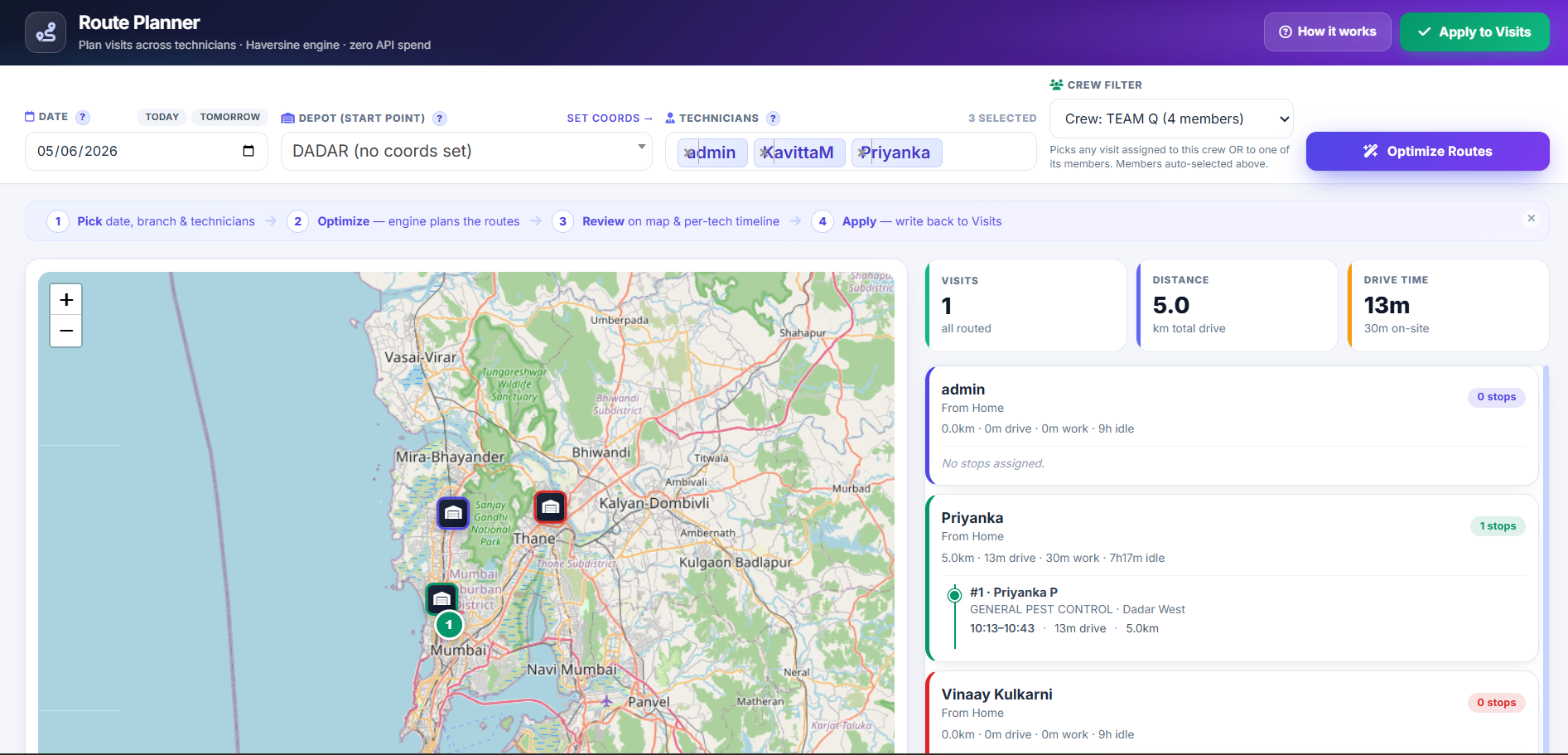
Dispatchers see an interactive route-planner that orders the day’s visits for a technician by geographic proximity. The optimizer respects working-hour packing and skill match — a technician marked for “Bird Control” only gets bird-control visits assigned. No Google Maps API costs; the routing runs in-process.
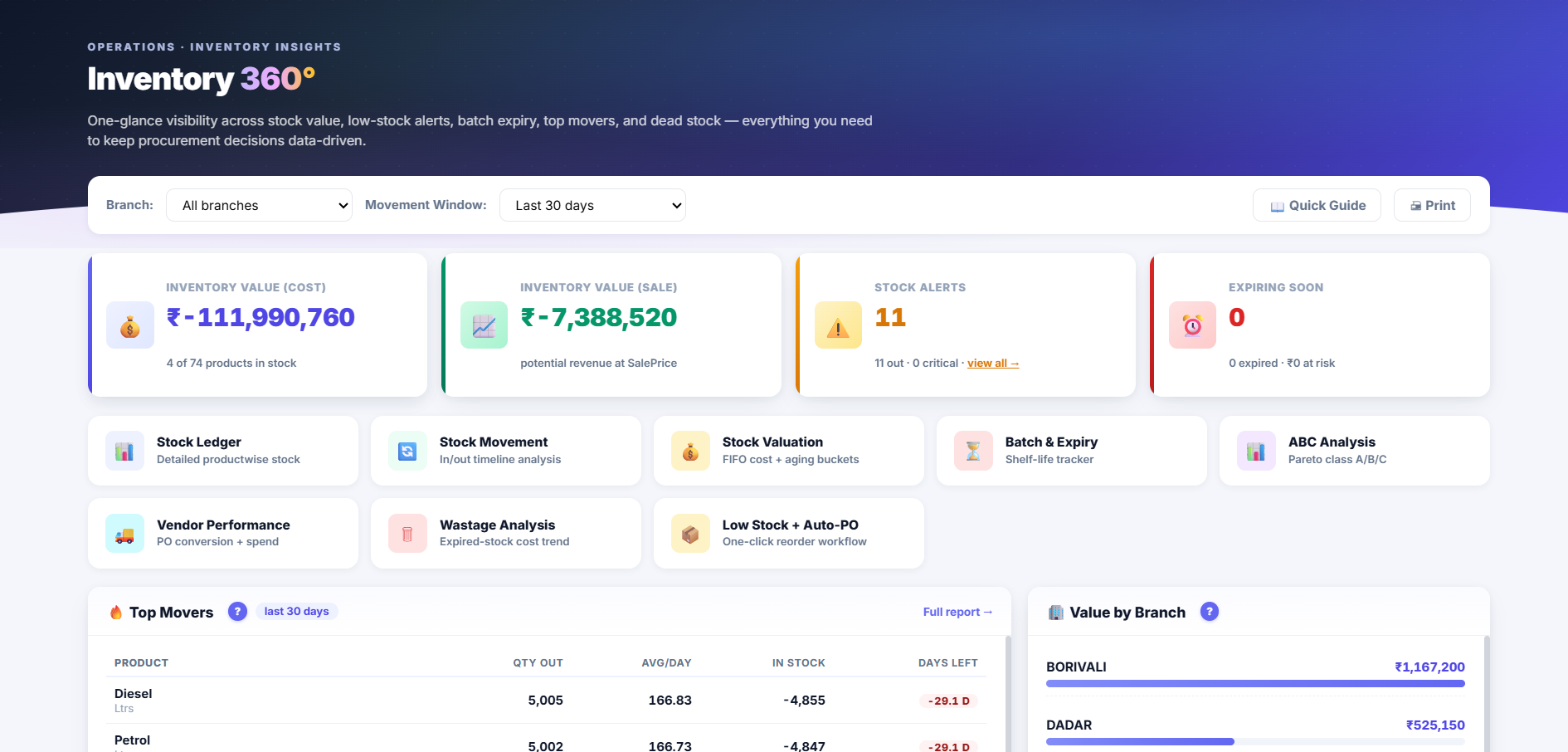
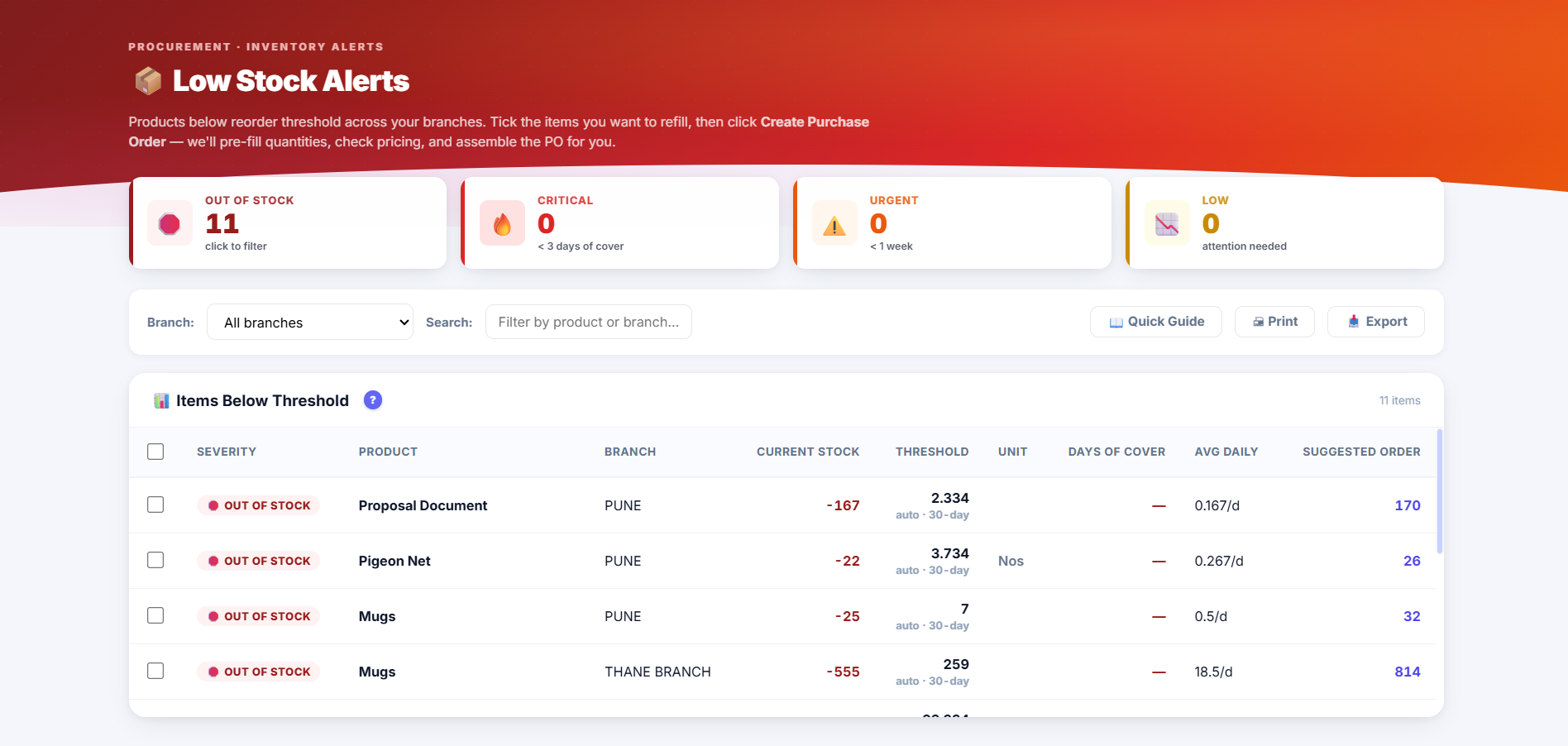
Closes the gap where stock physically held by a technician between issue and consumption was invisible. When Issue Tracking Mode is on, warehouse stock decrements at the moment material is issued to a technician for a specific visit, not at consumption time. Leftover material returns via a Material Return record. Default behaviour is unchanged for existing customers — opt-in via Inventory Settings.
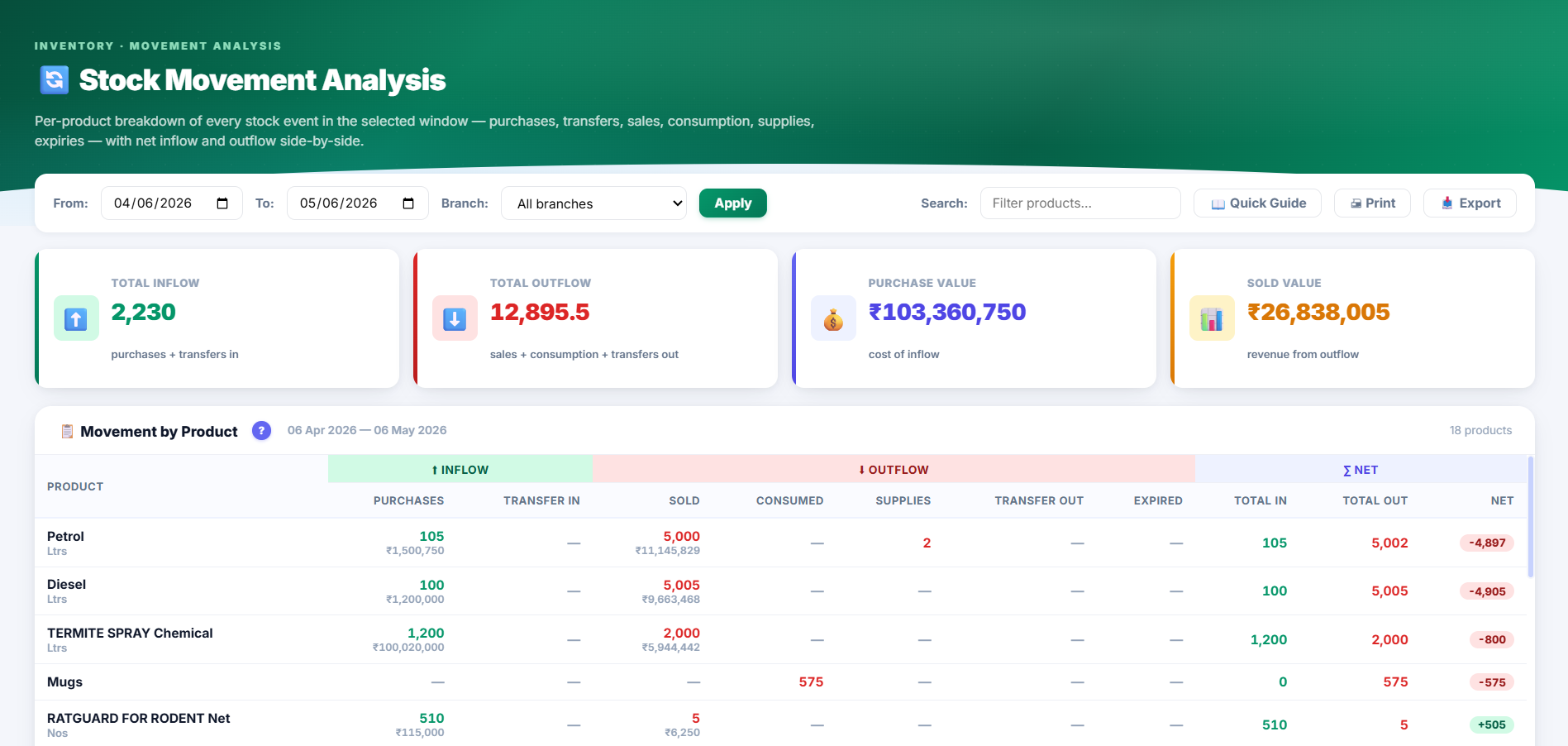
Every transaction that moves stock now records which purchase batch it consumed. The FIFO allocator picks the oldest non-expired batch first when invoicing, transferring, or consuming. Expiry travels with material across stock transfers. Specifically valuable for pest control firms where chemical accountability per-technician per-visit is a regulatory adjacency.
A look at the field operations stack.
Eighteen visits, four technicians, one morning.
At 8:50 am, you open the Job Scheduler. Eighteen AMC visits across eleven customers spread over three branches, four technicians. The tech whose bike is down was reassigned in two clicks yesterday evening. An urgent call from a hotel client at 8:30 am became an inserted slot before you reached your desk. Your dispatch meeting takes four minutes, not twenty.
At 11:15 am, a client in Baner calls asking why your tech didn’t show up. You open the Live Staff Map — Rajesh is a dot on the screen, last position ninety seconds ago, two hundred metres from the client’s building. You don’t call Rajesh. You call the client back: “He’s pulling into your parking now.” That’s the last call about this visit.
At 3:00 pm, the four-technician fumigation at a warehouse runs. Each tech face-checks in at the site. Three match their enrolled photos; the fourth flags “mismatch — please review” because his beard is longer than his enrolment. You approve in ten seconds. The visit completes at 5:30 pm. The treatment certificate with the applied chemical batch numbers emails to the warehouse manager before the techs are back in the van. Your operation runs on records, not phone calls.
The capability deep-dive that lives inside this pillar.
Field Operations touches Chemical Traceability directly for pest control, sanitation, and fumigation operators. AI Copilot is also commonly used here for field-captured visit notes.
Four recurring field-ops workarounds, one pillar.
The ops manager lives in this pillar all day.
Pest control and cleaning are the sharpest fits.
Multi-site contracts, multi-technician deployments, chemical or consumable application — this pillar was shaped by how these two sectors actually run.
Field operations runs on Upgear Mitra.
Everything described above — dispatch, GPS tracking, route optimisation, material allocation, visit completion — has its mobile counterpart in Upgear Mitra. Technicians don’t get a stripped-down view; they get the field-side of the same operating system. See the Mitra workflow →
What ops managers ask about field ops in Upgear.
See your own field operation on Upgear in 30 minutes.
Founder-led demo. Bring your current week's schedule, last month's attendance sheet, and one tricky customer-dispute-about-a-visit. We'll reconstruct the dispatch meeting, the live map, and the completion proof in Upgear during the call.