Help centre
How can we help?
Short, step-by-step answers written from the application itself. If yours is not here, a WhatsApp message with a photo of the screen is the fastest route.
Getting started
Billing and stock
GST and reports
Licence and renewal
No article matches. Ask us on WhatsApp.
Complete training videos
All of AgroPay in one video, from installing it to the GST file for your CA, in English, Hindi, Marathi and Kannada. Every lesson is a chapter you can jump to on YouTube: 34 in the newer English one, 29 in the others. Follow along on your own computer.
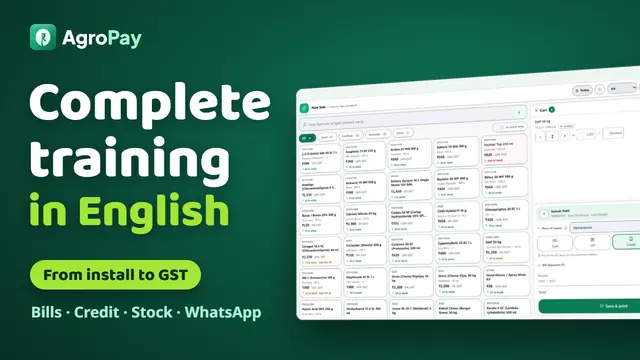 34:22 AgroPay Full Training | Billing Software for Fertilizer, Seed & Pesticide Shops, from Install to GST
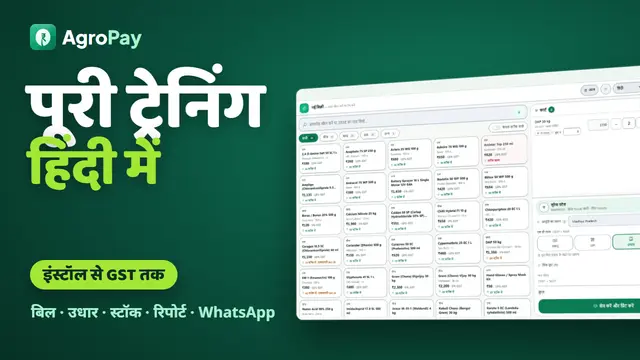 22:59 AgroPay पूरी ट्रेनिंग हिंदी में | खाद-बीज दुकान का बिलिंग सॉफ्टवेयर, इंस्टॉल से GST तक
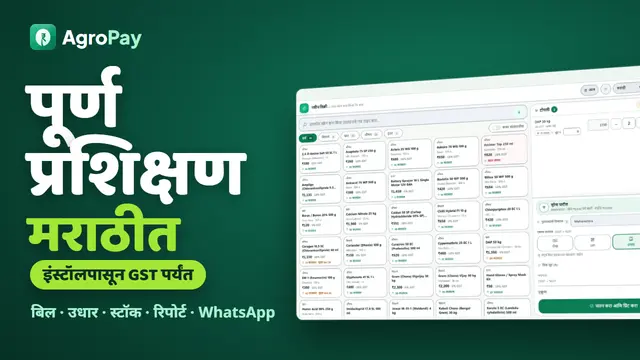 24:34 AgroPay पूर्ण प्रशिक्षण मराठीत | खत-बियाणे दुकानाचे बिलिंग सॉफ्टवेअर, इंस्टॉलपासून GST पर्यंत
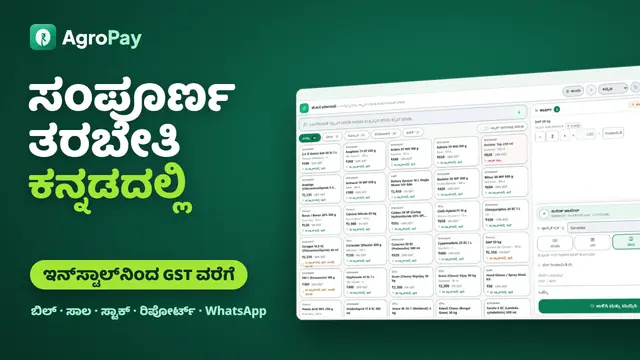 26:12 AgroPay ಸಂಪೂರ್ಣ ತರಬೇತಿ ಕನ್ನಡದಲ್ಲಿ | ಗೊಬ್ಬರ-ಬೀಜ ಅಂಗಡಿಯ ಬಿಲ್ಲಿಂಗ್ ಸಾಫ್ಟ್ವೇರ್
Talk to support
Tap what you need. WhatsApp opens with the message already written.
Phone +91 92703 53193 · Email connect@agropaysoftware.com · English, Marathi, Hindi and Kannada
Questions about this
What is AgroPay?
AgroPay is billing, GST, stock, khata and accounting software for fertilizer, seed and pesticide shops across India, whatever they are called locally: krishi seva kendra, agro centre, khad-beej bhandar or fertilizer depot. It runs on the shop's Windows computer and works without internet.
It prints GST bills on 80 mm paper, sells the batch that expires first, keeps each farmer's credit (khata), and prepares GSTR-1, GSTR-3B, the HSN summary and the pesticide, seed and fertilizer registers from the bills you have already made. The screens come in 11 Indian languages.
How much does AgroPay cost?
₹10,000 for the first year and ₹3,500 for each year after that.
There is no charge per bill and nothing extra for more products, customers or bills. One licence covers one computer. There is no monthly plan.
Is there a free trial?
Yes. The complete application is free for 15 days or your first 250 bills, whichever comes first. No card and no payment details are asked for.
Everything you enter during the trial stays when you activate, so the bills you made in the trial are still there afterwards.
Does AgroPay work without internet?
Yes. Billing, stock, khata, GST reports, accounts and backups all run on your own computer with no connection.
You need internet only for things that are online by nature: downloading updates, opening a customer's chat in WhatsApp, sending WhatsApp messages and answering the questions you ask from your phone, and fetching weather.
Does AgroPay file my GST return?
No. AgroPay prepares the return and you, or your accountant, file it. It makes a GSTR-1 JSON file for the GST offline tool (B2B, B2C, B2CL, credit notes, HSN and exempt tables), a GSTR-3B summary with input credit set off in the legal order, and an Excel workbook with one sheet per table that also prints.
AgroPay has no direct connection to the GST portal and does not make e-invoices or e-way bills.
Is there an AgroPay mobile app? Can I see my shop on my phone?
Yes. The AgroPay phone app opens the whole AgroPay on the owner's phone from anywhere, over mobile data or any Wi-Fi: billing, stock, khata, payments and every report. It installs from the phone's browser, not from the Play Store. Switch it on in Shop Settings at the shop computer and add each phone by scanning a QR code. How the phone app works.
For a quick figure, WhatsApp needs nothing installed. Send 1 in your own chat for today's sale, 2 for money to collect or a farmer's name for their khata, and record a payment a farmer gave you in the village. See everything you can ask.
Both answer from AgroPay on your shop computer, so it has to be switched on, with AgroPay open and online. Inside the shop, a phone on the same Wi-Fi can also open AgroPay at agropay.local.
If you are reading this on your phone, message us and we will send the download link for your shop computer.
Can I use AgroPay on two computers or two counters?
Yes, inside one shop. On the computer where AgroPay is installed, switch on Other computers in the shop in Shop Settings. A second counter, the back-office laptop or a phone on the same Wi-Fi then opens AgroPay in its browser at agropay.local and works on the same books. The books and the licence stay on the main computer, which has to be switched on.
A second shop, or AgroPay installed on another computer with its own books, needs a licence of its own.
Which languages does AgroPay support?
The screens are available in English, Marathi, Hindi, Kannada, Telugu, Tamil, Gujarati, Punjabi, Bengali, Malayalam and Odia. You can switch at any time.
Printed bills carry each label in English and in the language you picked, for example "Total / एकूण". The ready-made WhatsApp messages for farmers are in Marathi, Hindi and English, and the answers to questions you ask the shop from your phone come in all 11 languages.
Where is my data kept, and is it safe?
Your bills, customers, stock and accounts are stored on your own computer. They are not uploaded to us and we cannot see them.
AgroPay backs itself up every day, week or month to two places you choose: a folder such as a pen drive, and your own Google Drive. Either one alone is enough, and both keep only the last 5, 10, 20 or 30 copies. The Drive copy goes to your own Google account, in a folder named AgroPay Backups that you can open from any phone, and AgroPay can see nothing else in that Drive.
Restoring, whether from the Drive or from a file on the computer, asks you to type RESTORE, checks that the file is a genuine AgroPay backup, warns you if it belongs to a different shop, and saves a safety copy of your current data first.
Does AgroPay back up to Google Drive?
Yes. Connect your own Google account once, and AgroPay sends its daily, weekly or monthly backup to your Drive as well as to a pen drive or folder. Either place on its own is enough, and the two never depend on each other: an unplugged pen drive does not stop the Drive copy, and a dead internet connection does not stop the pen drive copy.
The copies go to a normal folder in your Drive called AgroPay Backups, which you can open from any phone. AgroPay asks Google only for the files it creates itself, so it cannot see your photos or documents, and the backup goes to your account, not to us. On a new computer, connect the same Google account and restore from it.
What happens if I do not renew?
New sale and purchase bills stop until you renew. Nothing is deleted: your old bills, khata, stock and reports stay on your computer and you can still open them.
If you renew before the year ends, the days you have left are added on top of the new year.
Do I have to type in all my products?
No. AgroPay ships with 1,657 common products (440 seeds, 358 fertilizers, 730 pesticides and 129 other items) from 761 brands, with HSN codes and GST rates filled in. You tick the ones your shop sells.
Anything else is added by a short wizard that looks in your own products and the ready-made list before asking you to type. You can also import a product sheet saved from Excel as CSV, with every row checked before anything is saved, or scan a supplier's bill from a photo or PDF when stock arrives.
Does AgroPay make the pesticide sale register?
Yes. For any month it prints each pesticide's opening stock, received, sold, written off and closing stock, followed by batch-wise movement: date, bill number, who it was sold to or bought from (with the supplier's licence number), batch, expiry and quantity. It downloads as a ready-to-print Excel file.
The prescribed register format differs between states, so AgroPay does not claim a form number. Check with your Agriculture Department which format your licence needs.
Does AgroPay keep a seed register?
Yes. For any month it gives each crop and variety's opening stock, purchases, sales, quantity written off and closing stock, and behind that the lot-wise movement: date, bill number, lot, pack size, quantity, and the supplier with their seed licence number or the farmer with their village, taluka and district.
The columns follow the order of Form D, the monthly statement a seed dealer is asked to file, and Production and Export are left blank because a shop's billing software does not know them. It prints and downloads as Excel.
Does AgroPay keep a fertilizer stock register?
Yes. It writes a day-wise stock account for each fertilizer from your bills: opening balance, quantity received, total, quantity sold and closing balance for every day of the month, with the supplier's bill number and your own bill numbers in the remarks column. Days with no receipt and no sale are skipped.
Keeping this record on a computer has been permitted since the notification of 7 March 2022. AgroPay does not print a form number on it, so show your Agriculture Department one printed month before you rely on it.
Does AgroPay connect to the SATHI seed portal?
No, and be careful with anyone who says their billing software does. The portal gives access to State agriculture departments for their own inventory software, not to a shop's billing application.
What AgroPay does is make the entry quick: the seed register is laid out in Form D column order, so the figures can be read off one page and typed into the portal instead of being assembled from a pile of bills.
Does AgroPay replace the government fertilizer PoS machine?
No. AgroPay does not connect to the Aadhaar-based ePoS machine used for subsidised fertilizer sales, and that sale still has to be recorded there. AgroPay keeps the GST bill, stock, khata and accounts for your shop, including the pesticides, seeds and other items the PoS machine does not handle.
How do I buy and activate AgroPay?
Send us a WhatsApp message from inside the trial or from this website. After payment we send a licence file made for your computer. You import it once, and it works offline from then on.
The licence is tied to that computer. If the computer is repaired or replaced, message us and we will move it.
Who makes AgroPay?
AgroPay is made in India by a team that builds software for one kind of business only: agri-input shops. The same team that builds the application answers support on WhatsApp, phone and email, in English, Marathi, Hindi and Kannada.
Is there a video of AgroPay working?
Yes. A 1 minute 51 second tour shows the real application running a sample fertilizer, seed and pesticide shop: a bill made by typing a product name, a farmer's credit limit, stock and expiry, the registers, the GST files, the shop answering on WhatsApp and messages to farmers. It has a voice-over in English, Hindi, Marathi and Kannada, and all four are on YouTube. The demo page also has a billing counter you can use in the browser.
For learning the whole application there is a complete training video, from installing AgroPay to the GST file, in English, Hindi, Marathi and Kannada, linked from the help centre.
What computer do I need?
A 64-bit Windows 10 or Windows 11 computer or laptop. The installer is about 260 MB and needs no administrator password. For printed bills, an 80 mm thermal receipt printer is the natural fit; an ordinary printer prints A5 or A4 bills.